
Home
Shop

Hot deals just for you this weekend

Rental vs. Purchase What’s Best for Your Office Printer Needs?

     Printers are the unsung heroes of the modern office handling everything from invoices and reports to ID cards and legal documents. But when it comes to acquiring a printer for your business, a key question arises: Should you rent or purchase?

At HITECH, we’ve provided both rental and sales solutions for printers and copiers since 2006. Drawing from our experience with businesses, schools, hospitals, and government offices across India, here’s a clear breakdown of the printer rental vs purchase debate.

1. Upfront Investment

Rental

  • Minimal to zero upfront cost
  • Monthly rental plans that fit your budget
  • Ideal for startups or short-term use

Purchase

  • High initial investment
  • Long-term asset ownership
  • May strain cash flow for small businesses

💡 Go for rental if you’re trying to control capital expenditure.

2. Maintenance & Support

Rental

  • Free service and maintenance included
  • Quick replacement if the machine breaks down
  • AMC usually covered in rental contracts

Purchase

  • Maintenance is your responsibility
  • Need to buy an AMC separately
  • Downtime may affect productivity

💡 Rental = hassle-free servicing. Purchase = long-term planning needed.

3. Flexibility & Scalability

Rental

  • Upgrade or downgrade as per business needs
  • Short-term projects or seasonal demand? No problem
  • Ideal for events, exhibitions, or growing teams

Purchase

  • You’re locked into a single machine
  • Upgrades cost extra or require resale
  • Better for stable, consistent operations

💡 Rentals offer freedom. Purchases offer control.

4. Total Cost Over Time

Rental

  • Lower cost short-term, but may exceed purchase value if used for years
  • No hidden servicing costs

Purchase

  • More cost-effective if used for 3+ years
  • Asset depreciation and resale value considered

💡 Short-term? Rent. Long-term? Buy.

5. Technology Upgrades

Rental

  • Easy to swap with the latest model
  • Stay updated with new features and security

Purchase

  • You’re stuck with current tech unless you upgrade manually
  • Obsolete models affect efficiency and print quality

💡 Rental keeps you up-to-date. Purchase gives you ownership.

Real Use Cases in India

  • Startups & SMEs: Prefer printer rentals to reduce capital expenses and focus on core growth.
  • Schools & Colleges: Rent during admission season or exam periods for high-volume printing needs.
  • Banks & Government Offices: Usually purchase machines for dedicated in-house usage with separate AMC plans.
  • Events & Exhibitions: Rentals are ideal for short-term usage without long-term commitment.
  • Hospitals: Opt for purchase if printing is consistent and predictable; otherwise, rental helps with managing cash flow.

FAQs

  1. Is renting a printer cheaper than buying?
    Yes, for short- to medium-term usage, rentals are more cost-effective and include service support.
  2. Can I rent a printer long-term?
    Absolutely. Hi Tech Enterprises offers flexible rental terms — monthly, quarterly, or yearly.
  3. What brands do you offer for rental?
    We provide Canon, Riso, HP, Epson, and Brother printers on rental with full service backup.
  4. What happens if the rental printer stops working?
    We offer quick replacements or on-site repair under the rental plan — no extra cost.
  5. Do I need to pay separately for toner and paper in rentals?
    Toner is often included in rental plans. Paper may be charged separately, based on your needs.

Conclusion

Both printer rental and purchase have their merits. If your business is cost-conscious, growing, or has fluctuating printing needs, rental offers flexibility and peace of mind. But if you’re looking for long-term control and consistent use, purchasing may be the better investment.

At HITECH, we help you choose the right model and the right approach. Whether you rent or buy, we provide top-tier machines, expert support, and nationwide service.

📞 Still undecided? Contact us for a free consultation or explore our Printer Rentals & Sales.

Laser vs. Inkjet: Which Printer is Right for Your Office?

     Choosing the right printer for your office can be a game-changer. Whether you’re printing contracts, reports, IDs, or marketing materials, the right printer can boost productivity and cut costs. The most common dilemma? Laser vs inkjet printer for office use.

At Hi Tech Enterprises, we’ve helped thousands of businesses across India choose the right printing solutions since 2006. In this blog, we break down the key differences to help you make a smart decision.

What is an Inkjet Printer?

Inkjet printers spray tiny droplets of ink directly onto paper. They’re known for:

  • High-quality photo and colour printing
  • Compact designs ideal for small spaces
  • Low upfront cost

Most inkjet printers use cartridges (CMYK) and are perfect for occasional use or colour focused printing tasks.

What is a Laser Printer?

Laser printers use toner powder and heat to fuse the image/text onto paper. They stand out for:

  • Fast printing speed
  • High-volume performance
  • Sharp text output

Laser printers come in mono (black & white) and colour variants, making them ideal for office documents, invoices, and reports.

Key Differences: Laser vs Inkjet Printer

FeatureInkjet PrinterLaser Printer
Initial CostLowerHigher
Running CostHigher per pageLower per page
Print SpeedSlower (5–10 ppm)Faster (20+ ppm)
Print QualityBetter for images/photosBetter for text/documents
Usage FrequencyBest for low-volume and colour needsIdeal for high-volume office tasks
MaintenanceRequires regular use to avoid ink dryingLess frequent maintenance
DurabilityInk fades over timeToner is long-lasting and smudge-resistant

Which One Is Better for Your Office?

Let’s break it down based on your office needs:

1. For High-Volume Printing:
Go with a Laser Printer. It’s faster, more cost-effective in the long run, and perfect for busy offices printing hundreds of pages daily.

2. For Occasional or Creative Work:
Choose an Inkjet Printer if your office occasionally prints brochures, photos, or marketing creatives.

3. For Cost-Conscious Buyers:
Inkjet printers may be cheaper to buy but have higher running costs. If you’re planning long-term usage, laser printers offer better value.

4. For Compact Offices or Home Offices:
Inkjet printers are smaller and quieter. Perfect for desks or small team setups with low print needs.

Indian Industry Use Cases

Educational Institutions: Schools prefer laser printers for bulk printing of exam papers, notices, and results.
Hospitals: Laser printers are widely used for printing prescriptions and ID cards due to their clarity and speed
Banks: Laser printers dominate here for high-volume form printing, account statements, and daily reports.
Design Studios: Inkjet printers are common in design firms that require detailed colour prints for mockups or posters.
Government Offices: Laser printers are preferred for efficiency, low maintenance, and long-term savings.

FAQs

1. Are inkjet printers suitable for offices?
Only if your print volume is low and includes photo or colour printing needs. Otherwise, laser is more efficient.

2. Which printer is cheaper in the long run?
Laser printers. Though the initial cost is higher, toner lasts longer and prints more pages than ink cartridges.

3. Can I use both in my office?
Yes. Many offices use a laser printer for documents and an inkjet for colour brochures or creative work.

4. What about maintenance?
Inkjet printers need regular use to avoid ink drying. Laser printers are more robust and lower maintenance.

5. Which brands are best?
Top brands for both types include Canon, HP, Epson, and Pantum all available at HITECH.

Conclusion: Make the Smart Choice

The decision between laser vs inkjet printer for office boils down to your print volume, usage type, and budget.
For daily document printing, laser printers are a no-brainer.
For occasional, colourful, or photo-quality printing, inkjet printers serve well.

Need help deciding?
👉 Contact Hitech for expert guidance and the best deals on printers and Annual Maintenance Contracts (AMC) tailored to your office needs.


Effortless Printing: Why Document Laser Printer Are The Ultimate Workplace Companion

In the modern age of fast-paced work environments, having the right tools can make all the difference. Among these, a laser printer stands tall as a symbol of speed, efficiency, and precision. Let’s dive into what makes laser printers the preferred choice for businesses and individuals alike.

What Is Document Laser Printer?
A laser printer is a type of printer that uses laser technology to produce high-quality text and graphics on paper. Unlike inkjet printers, which spray ink directly onto the page, laser printers rely on a laser beam to transfer toner—a powdery substance—onto paper, ensuring crisp and smudge-free prints.

How Does a Document Laser Printer Work?
The magic behind a laser printer lies in its electrostatic principles and precise engineering:
1. Charging: The process starts with a drum inside the printer being positively or negatively charged.
2. Laser Beam Action: A laser beam scans the drum, altering the charges to create an electrostatic image of your document.
3. Toner Application: Toner particles are attracted to the charged areas of the drum, forming the print image.
4. Transfer & Fusing: The toner is transferred onto the paper and permanently fused with heat and pressure, creating a clean and durable print.

What are The Benefits Of Document Laser Printer?
Here’s why investing in a laser printer is a smart choice:
1. Speed: Laser printers are significantly faster than inkjet printers, making them ideal for bulk printing tasks.
2. Cost-Effective: While the initial cost may be higher, the long-term savings from affordable toner and high page yields are undeniable.
3. High-Quality Prints: The precision of laser technology ensures sharp text and professional-grade graphics.
4. Durability: Laser prints are resistant to water and smudging, making them ideal for important documents.

Conclusion:
When it comes to choosing a reliable, high-performance laser printer, Hi-Tech Enterprises is your trusted partner. Offering top-notch products, exceptional customer support, and competitive pricing, we ensure you get the best value for your investment.

Which Document Laser Printer Is Suitable For Me?
Visit: www.hitechenterprises.in or call 7666201201.

Print with Precision: The Advantages of Laser Technology

Printing technology has come a long way, and laser printer is one of the most popular devices in the industry today. Unlike dot-matrix or inkjet printers, laser printers use non-impact photocopier technology. They are usually connected directly to a single PC or through Local Area Networks (LAN) or wireless networks. Multi-Function Printers (MFPs) are a popular type of laser printer that performs various functions such as printing, scanning, photocopying, and faxing. Laser printers are known for their fast speed, reliability, and excellent print quality, making them popular, especially for commercial applications. They are ideal for those with a monthly printing requirement or even an occasional high-volume job.

Laser printers use a laser beam to project an image on an electrically charged rotating drum. The drum transfers the image to the paper through direct contact, and the intense heat fuses the image onto the paper. Monochrome (Black & White) laser printers are cost-effective and ideal for quickly printing text documents. On the other hand, colour laser printers are preferred for printing marketing materials, presentations, photographs, and other documents in-house. They offer resolutions up to 2400 dpi without sacrificing speed and support various paper sizes such as A4, letter, and legal.

Laser printers offer unmatched benefits, enhanced by advanced technology that enables robust support for mobile printing, cloud connectivity, security, and cost control. Printers with Wi-Fi connectivity allow printing from almost everywhere, and printers with a colour touchscreen interface are convenient for users. Next-generation printers combine vibrant print quality with high-speed productivity, and some variants are ideal for graphic communications and commercial printing applications.

The demand for laser printers is rising in commercial spaces in developing countries due to their ability to provide high-quality and fast printing at an affordable cost. This increased demand for commercial spaces in these countries will further drive the need for laser printers. The market for laser printers is expected to grow at a Compound Annual Growth Rate (CAGR) of 5.67% between 2022 and 2027. This growth can be attributed to the increasing popularity of multifunction printers (MFPs), the rising demand for laser printers in developing countries, and the need for combining mobility and document solutions.

Uninterrupted Printing Experience: Embracing the Benefits of Ink Tank Technology

Uninterrupted Printing Experience: Embracing the Benefits of Ink Tank Technology

What is ink Tank Printer?
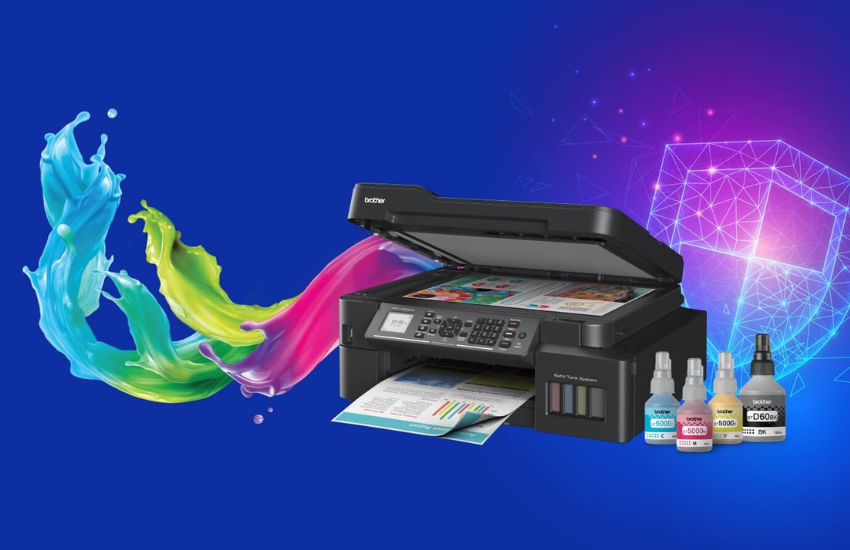
Inkjet printers have ruled the market for many years. This makes them the most commonly available popular printers. Revolutionary changes in printing technology have helped in evolving new devices. One of these is tank-based printers. These printers house refillable ink tanks of different colours. They are similar to inkjet printers, with a significant difference that they are equipped with separate, colour-coded ink tanks. The printing heads are pump-driven. Also, these tanks can be directly refilled using spill-proof ink bottles. This eliminates the headache of filling or replacing the ink cartridges, unlike conventional inkjet (cartridge-based) printers. However, the printing mechanism is almost the same. Another significant advantage of these tank printers is their larger printing capacity than inkjet printers. This makes them economical.

How it works?
Ink tanks consist of small plastic boxes filled with liquid ink. Each colour may have an ink tank or contain multiple colours with separate print heads. The ink tank supplies the liquid ink through airtight tubing directly to its print head. This head then dispenses the ink droplets on the page to form text or images. Sometimes, the tank is attached directly to the print head. The ink tank acts like a reservoir for the print head. This arrangement is similar to a small water tank. Just as the water tank stores and supplies water to a pump, the ink tank supplies ink to its print head. The ink tank consists of a nozzle. The printer pulls ink from this nozzle. This nozzle can be punctured by a syringe-like piece for vacuuming the ink. Alternatively, the nozzle is a fabric pad that the printer makes an airtight seal to vacuum.

What’s benefits?
Most of the ink-tank printers available are Multi-Function Printers (MFP). This helps print, scan, and copy documents from a single device. In addition, some models offer duplex (both sides) printing tasks. These printers also enable users to send copies and scanned documents to smartphones, tablets, or laptops. The Wi-Fi-enabled models allow networking with computers, laptops, and mobile devices, such as smartphones and tablets, eliminating cables. This keeps the workspace clutter-free and organized. Also, several workstations can access the same printer simultaneously. These printers are suitable for commercial and residential applications. It is easy to maintain these printers by simply refilling the tanks. This feature makes the printer economical. The printing speed significantly saves time.

The market will likely record a CAGR of 6.5% from 2022 to 2028. High print yield, enriched resolution, and elimination of ink cartridges are the key factors that promote the growth of these printers in the global market. Increasing demand for high-capacity ink-tank printers is set to propel sales due to their affordability and yields. Additionally, the growing trend of e-learning and working from home among students and adults will likely drive market growth.

Click Here for More Ink Tank Printers 

Id Card Printers

Print Your Way to Professional and Secure Identification, Unleashing the Power of ID Card Printer

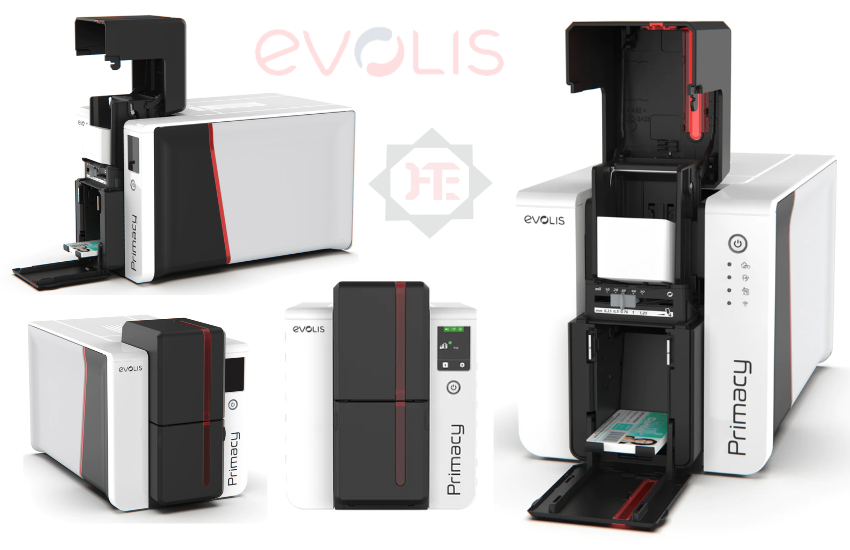
An ID card printer is an essential tool for organizations that require identification cards for their staff, students, or members. These printers use a specialized printing process to produce high-quality, durable, and tamper-resistant ID cards. In this blog post, we will discuss the benefits of ID card printers and how they work.

Benefits of ID Card Printers.
1. Professional-looking cards: ID card printers produce high-quality, professional-looking cards that are durable and resistant to wear and tear.
2. Customization: With an ID card printer, you have the ability to customize your cards with your organization’s logo, colors, and other design elements.
3. Enhanced security: ID card printers can be used to produce cards with advanced security features such as holographic overlays, magnetic stripes, or smart chips that help prevent unauthorized access.
4. Cost savings: Producing your own ID cards with an ID card printer can be more cost-effective than outsourcing the task to a third-party vendor.
5. Convenience: Having an ID card printer on-site allows you to quickly and easily produce new cards when needed, without having to wait for a vendor to deliver them.

How ID Card Printers Work.
An ID card printer works by transferring an image or text onto a blank plastic card using a printing process. The printing process can use one of several methods, such as dye-sublimation or direct-to-card printing. Once the card has been printed, it may need to be encoded with data such as a magnetic stripe, smart chip, or RFID tag. This process involves using a special encoder to write the data onto the card. Finally, the card is laminated to protect the image and data from wear and tear.
Overall, an ID card printer is a valuable tool for any organization that needs to produce identification cards for employees, members, or other individuals. With advanced security features, cost savings, and customization options, an ID card printer is an investment that can help your organization run more smoothly and securely.

Know More About Make & Models : Click Here

Variable Data Printer Maximizing ROI through Personalized Communication

Variable Data Printer Maximizing ROI through Personalized Communication

1 What is The Variable Printing??

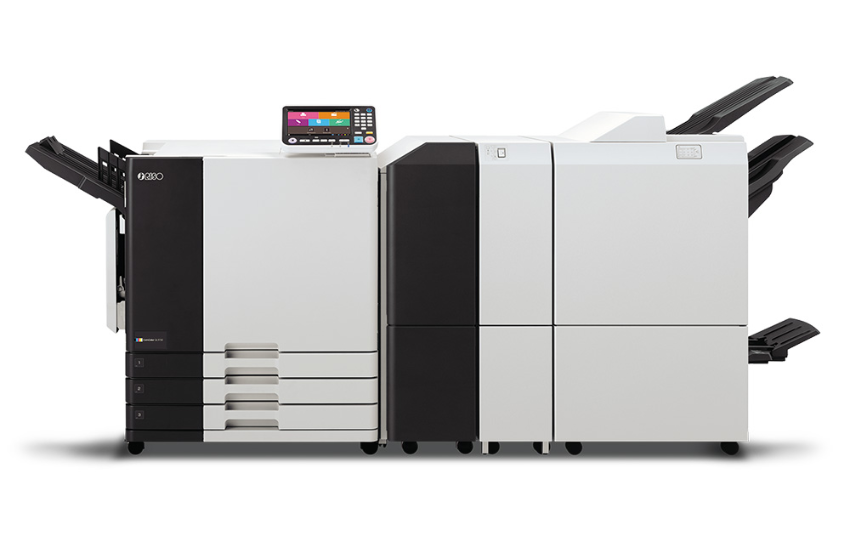
Variable data printing (VDP) also known as variable information printing (VIP) or variable imaging (VIP)is a form of digital printing, including on-demand printing, in which elements such as text, graphics and images may be changed from one printed piece to the next, without stopping or slowing down the printing process and using information from a database or external file. For example, a set of personalized letters, each with the same basic layout, can be printed with a different name and address on each letter. Variable data printing is mainly used for direct marketing, customer relationship management, advertising, invoicing and applying addressing, on self-mailers, brochures or postcard campaigns’, News Paper, Customized Invitation Card, many More.

How It Will Work ??

VDP is a direct outgrowth of digital printing, which harnesses computer databases and digital print devices and highly effective software to create high-quality, full color documents, with a look and feel comparable to conventional offset printing. Variable data printing enables the mass customization of documents via digital print technology, as opposed to the ‘mass-production’ of a single document using offset lithography. Instead of producing 10,000 copies of a single document, delivering a single message to 10,000 customers, variable data printing could print 10,000 unique documents with customized messages for each customer.

There are several levels of variable printing. The most basic level involves changing the salutation or name on each copy much like mail merge. More complicated variable data printing uses ‘versioning’, where there may be differing amounts of customization for different markets, with text and images changing for groups of addresses based upon which segment of the market is being addressed. Finally there is full variability printing, where the text and images can be altered for each individual address. All variable data printing begins with a basic design that defines static elements and variable fields for the pieces to be printed. While the static elements appear exactly the same on each piece, the variable fields are filled in with text or images as dictated by a set of application and style rules and the information contained in the database.

There are three main operational methodologies for variable data printing

In one methodology, a static document is loaded into printer memory. The printer is instructed, through the print driver or raster image processor (RIP) to always print the static document when sending any page out to the printer driver or RIP. Variable data can then be printed on top of the static document. This methodology is the simplest way to execute VDP, however its capability is less than that of a typical mail merge.

A second methodology is to combine the static and variable elements into print files, prior to printing, using standard software. This produces a conventional (and potentially huge) print file[5] with every image being merged into every page. A shortcoming of this methodology is that running many very large print files can overwhelm the RIP’s0 mad processing capability. When this happens, printing speeds might become slow enough to be impractical for a print job of more than a few hundred pages.

A third methodology is to combine the static and variable elements into print files, prior to printing, using specialized VDP software. This produces optimized print files, such as PDF/VT, PostScript or PPML, that maximize print speed since the RIP only needs to process static elements once.

Click Here for variable Data printers.
Riso ComColor 

Back to Top
Product has been added to your cart